bfx
An extensible interpreter, compiler, and REPL for brainfuck-like languages
 .
. 

Table of Contents
- Overview
- Building
- Usage
- General Interpreter Options
- Compiler options
- Other options
- Supported Languages
- Extending
- Screenshots
- Further Reading
- Bugs
- License
Overview
This is an interpreter, compiler, and REPL for the following Turing-complete esoteric programming languages:
Most tape-based single-character instruction languages can be incorporated into libbfx with relative ease (see Extending).
Building
Linux
Usage
General Interpreter Options
-e eof_behavior: Specify behavior when encountering EOF. Valid values are "zero" (the default, sets the current cell to zero), "decrement" (subtract one from the current cell), and "unchanged" (do not change the current cell).-i: Separate code from input using!(Note: Grin is not supported here).-l language: Specify the language to use (Default: brainfuck).-r: Run in interactive REPL mode (Note: Weave is not supported here).-t tape_size: Specify the size of the tape (default: 30000).
Compiler Options
Note that the bfx library must be installed to your PATH in order to use these options. Compiled code may be run without the bfx library.
-c: Compile the given program to a native binary.-o output_file: Specify the output file (default: './a.out')
Other Options
-D: Default to degrees instead of radians (Grin).-P precision: Specify the number of decimal places to print (Grin). Default is 4.-v: Print version information.
Languages
brainforkbrainfuck(Default)grinpbrainweave
If file is not specified, bfx will read source code from standard input.
Extending
It is possible to add support for new languages pretty easily by following these steps:
- Create a new source and header file for the language in libbfx/src/langs.
- Implement the language using the conventional init and run functions and operations array (see libbfx/src/langs/brainfuck.c and libbfx/src/langs/brainfuck.h).
- Add the source file to libbfx/CMakeLists.txt.
- Add the language to the
BFX_Languagesenum in libbfx/src/bfx.h. - Add a
BFX_LANG(NAME)macro to the list in libbfx/src/interpret.c. - Update
get_language()in bfx/src/main.c.
Screenshots
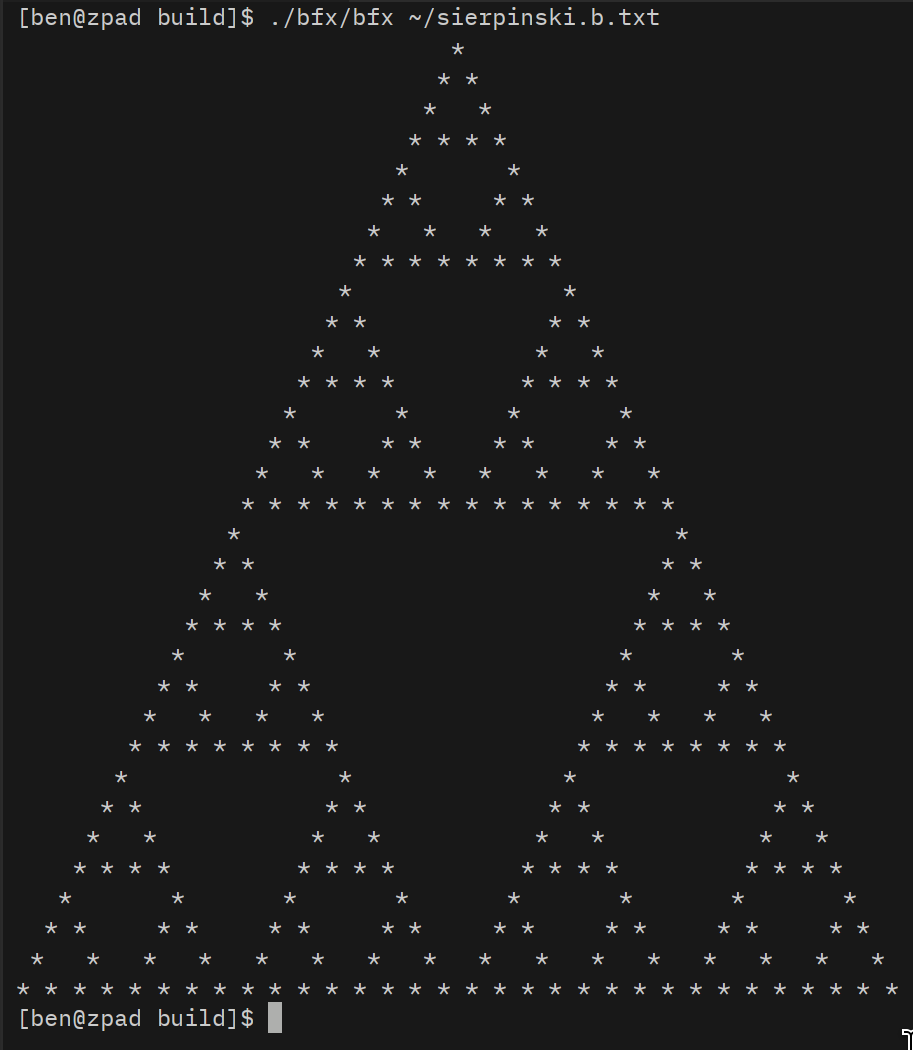
bfx running sierpinski.b
Further Reading
Bugs
If you find a bug, submit an issue, PR, or email me with a description and/or patch.
License
Copyright (c) 2022-2026 Ben O'Neill ben@o.nosp@m.neil.nosp@m.l.sh. This work is released under the terms of the MIT License. See [LICENSE](LICENSE) for the license terms.